
Request Information
Ready to find out what MSU Denver can do for you? We’ve got you covered.

New Semester, New Skills
Welcome to a new academic year and a new semester! From all of us at the Center for Teaching, Learning and Design, we’re excited to have you join us for another semester of Connections with CTLD.
In this issue, we have plenty of items to help get you started for the semester, whether that is with getting Canvas ready with new updates, considering AI literacy, polishing up on your accessible PDF skills, or finding a campus community. We’re so glad you can join us for Connections with CTLD #17!
Generative AI Literacy for Students
Since launching last fall, the CTLD’s AI Literacy module has been adopted by dozens of faculty — and the feedback has been overwhelmingly positive, especially where instructors required it. If you haven’t tried it yet, here’s a look at the module’s core framework and how to bring it into your own course.

What's New in Canvas This Fall
A few Canvas updates are worth knowing before the semester kicks off. ProctorU’s integration has a redesigned interface for setting up proctored exams. Check out the updated setup guide before scheduling. Canvas also added auto-generated captions and rolling transcripts for easier-to-follow media, use Microsoft Copilot to help build accessible materials, and IgniteAI Search to help you and your students find course content.
Finally, check out these reminders on how to update your course for the new term.
Find Your Fall Teaching Community
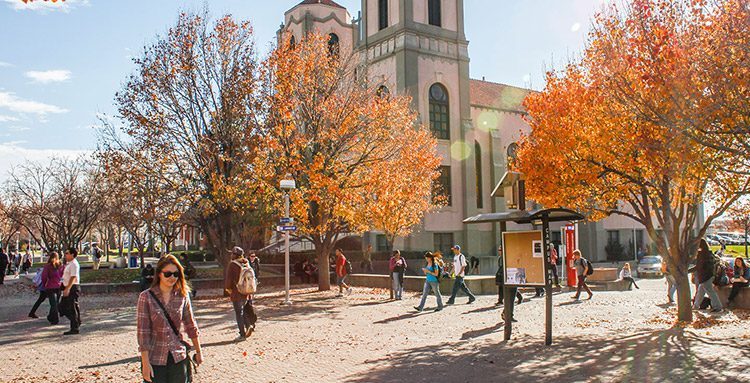
This fall, discuss and explore a teaching-related issue with your peers through one of five Faculty/Staff Learning Communities (FLCs): Finding Joy and Belonging in Teaching, First-Year Student Success, Supporting First-Generation Students, Experiential Learning, and OER adoption. Or join the fall CTLD book club to discuss a new book about academic integrity in the age of AI. Most groups start the second or third week of the semester.

PDF Articles and Accessibility
Scholarly articles are a key course material, so what can faculty do to ensure accessibility? Many journals still do not currently provide accessible PDFs, so we discuss some methods faculty can use to provide accessible articles. Request an Access Check from the Instructional Accessibility Group on online articles, PDF articles, and other course materials or Canvas pages to improve your course accessibility as well.
Email:
Phone:
(303) 615-0800
Campus Location:
Administration Building, Suite 325
Instructional Design & Instructional Design Studio:
Administration Building, Suite 325
Mailing Address:
Campus Box 19
PO Box 173362
Denver, CO 80217-3362
CTLD Events:
Calendar of events
Need Support?:
READY website